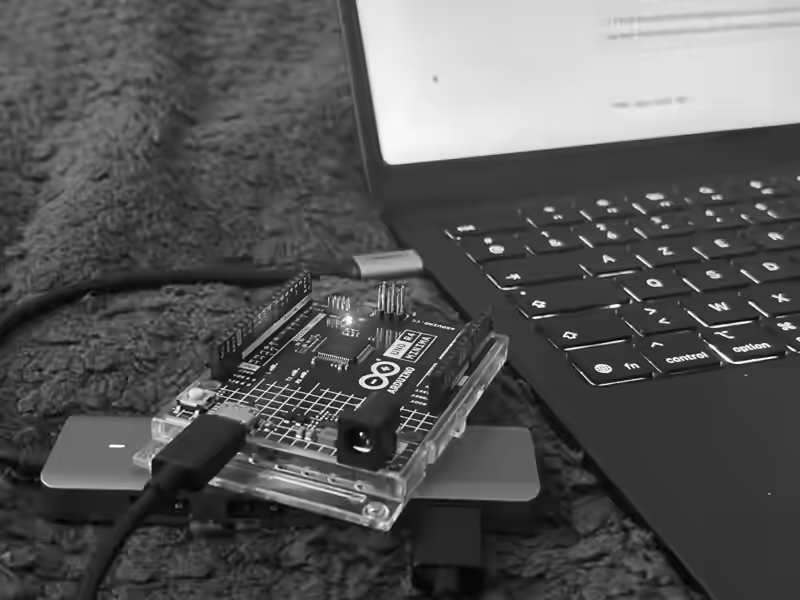
DIY Mouse Jiggler with Arduino
It turns out the recent Arduino models such as the ARM-based UNO R4 can act as USB-attached HID devices.
USB HID (Human Interface Device) is the standard protocol that USB mice and keyboards use. The Arduino board can speak this same protocol, making computers treat it as a genuine input device.
Building a mouse jiggler (or a keyboard that sends continuous inputs) is therefore as straightforward as:
#include <Mouse.h>

void setup() {
  Mouse.begin();
  delay(1000);
}

void loop() {
  Mouse.move(10, 10);
  delay(1000);
  Mouse.move(-10, -10);
  delay(1000);
}
This code is from Arduino's official USB HID tutorial and uses the Mouse module that works out of the box on HID-compatible Arduino boards.
Once uploaded, the Arduino board becomes a standalone USB mouse jiggler
that works anywhere. However, note that the device will show up in USB
device listings with its board name, e.g., UNO R4 Minima.
Now if you'll excuse me, I have a walk to take.
I built this as a fun little Arduino experiment, not a guide to slacking off. How you use your time is between you and your conscience (and possibly your employer).